Commuter Benefits
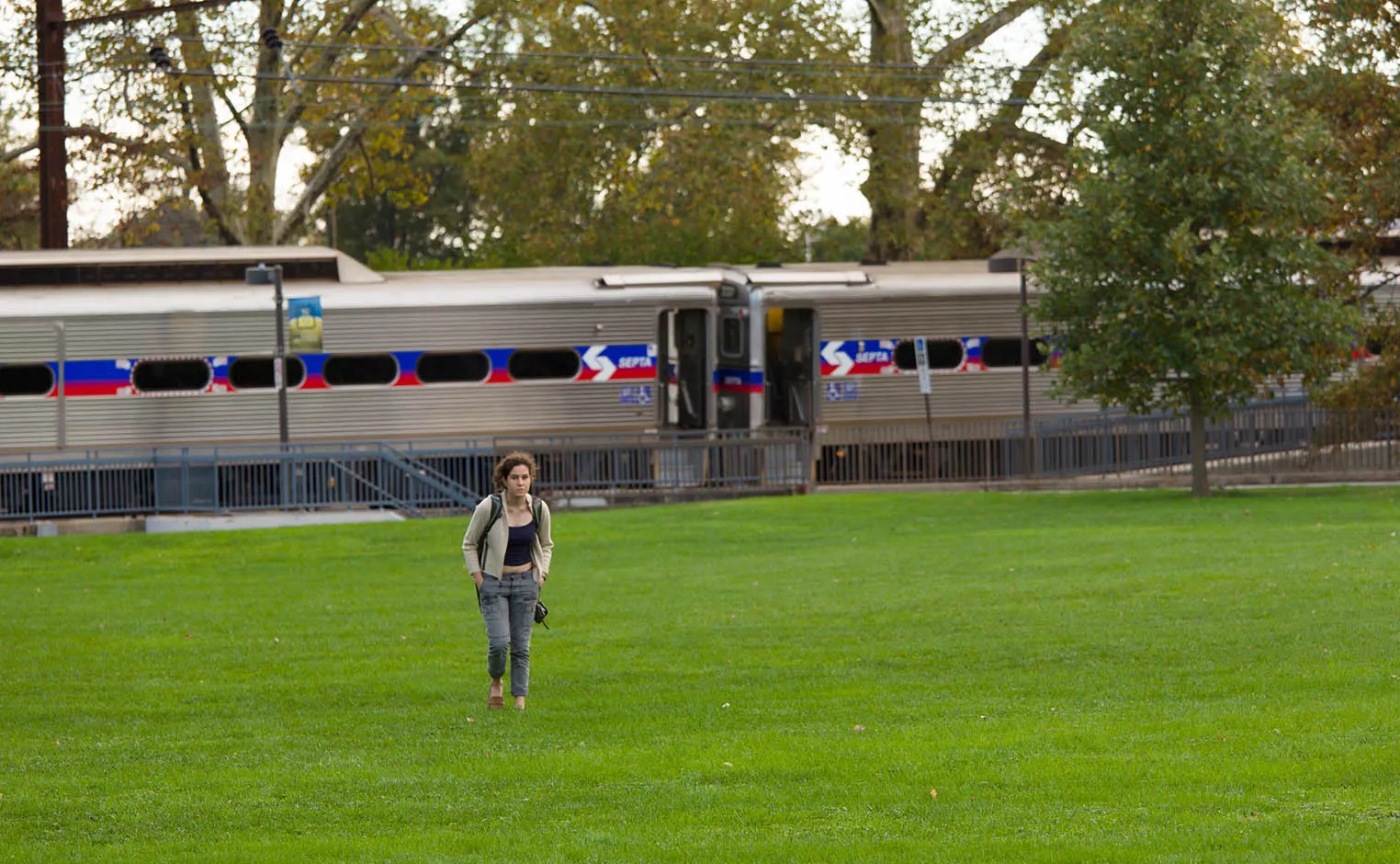
A Commuter Benefits Plan [PDF] is a great way to reduce your commuting expenses. This program allows you to use pre-tax dollars to pay for qualified transit and parking expenses related to your commute to and from work.
What Are Qualified Expenses?
There are two types of Commuter Benefit plans available to Swarthmore College employees, Transit and Parking. Eligible expenses for each include:
Transit
- Use of mass transit vehicles, including commuting to/from work on a bus, train, subway, and ferry
- Vanpools
Parking
- Parking at or near your worksite
- Parking at a location where you commute to work (e.g., by mass transit or for carpool)
How Do I Use Commuter Benefits?
- After enrolling, you will receive a debit card from Inspira Financial which can be used to access your available commuter funds. Use your Inspira Financial card to pay for eligible expenses directly from mass transit providers such as SEPTA.
- Eligible parking expenses can be paid out of your personal funds, and then you can submit a claim to Inspira Financial to pay yourself back.
- You can access funds up to the balance in your Transit or Parking account. Note that these are two separate accounts; you cannot access the Parking account for payment of Transit expenses, or vice versa.
- You can also manage your Inspira Financial member portal or through the mobile app.
- You can also submit for reimbursement by using a paper claim form.
How Do I Enroll Or Change My Commuter Benefits?
You can enroll and make changes to My Commuter Benefits from Workday.
Change Benefits for Commuter Benefits
This guide explains how to change your benefit coverage for your Commuter Benefits for Transit FSA, Parking FSA, and/or Septa Key Program
Key Terms
● Benefit Event Date: the date you want the change to begin
● Submit Elections By: the deadline by which you must complete and submit your benefit
elections
● Benefit Elections: are the selections you make for your benefits, such as enrolling in, changing, or waiving coverage
Detailed Instructions
- In Workday, from the Global Navigation Sidebar, select Personal > Benefits and Pay. This opens the Benefits and Pay Dashboard where you can see an overview of both your Benefits and Pay information
- Click the Icon for Change Benefits
- Select the Change Reason for Commuter Benefits Change
- Enter the date you want the change to begin
- Enter Your Comment: Enter any additional comments or information that might help explain the change.
- Click Submit. A confirmation message will appear, click Open and you will be guided to the next step to complete your benefit elections for the change
- Click the Let’s Get Started button.
- Choose to make changes to your Transit and/or Parking FSA, as well as, your Septa Key Program enrollment
- Click on Select, then at the bottom click on Confirm and Continue
- Enter the amount you want to Contribute each Paycheck, then at the bottom click on Save
- Continue this process for each Commuter benefit that you wish to change
- If you are already enrolled and are canceling your enrollment, click on Manage under the benefit you are waiving
- Then click Waive, and at the bottom click on Confirm and Continue
- Once all changes are made, review your changes, scroll down to the section for Electronic Signature and check the box for I ACCEPT, enter any applicable comments, then at the bottom of the page click on Submit
- You can click on the icon for View Benefits Statement to see your submitted changes
How Much Can I Elect For Commuter Benefits?
For 2026, employees may contribute up to $340 per month into a Parking and/or Transit account. This amount is established by the IRS, and is subject to change annually.
Other Important Information:
- Commuter benefit elections (Transit and Parking) may be changed at any time during the year; elections for these benefits are not limited to the annual open enrollment period.
- Unused balances roll over from one month to the next, and from one year to the next. There is no annual Use It or Lose It provision.
- If you leave Swarthmore and have unused funds in your Transit and/or Parking account, those funds will be forfeited if a claim is not filed for reimbursement of expenses incurred prior to your last day at Swarthmore.
Questions?
Contact Inspira Financial with Commuter Program questions at 1-844-729-3539; they are available Monday through Friday, 8 a.m. to 8 p.m. and Saturdays from 10 a.m. to 3 p.m. And you can visit inspirafinancial.com for more information.